There's a new set of tools to make managing and designing your site easier than ever. Dive into full site editing and take control of every aspect of your site, from the color scheme to the typography and more.
ICYMI: We have been rolling out a new set of powerful site design tools called Full Site Editing (or "FSE"). We started with early access for a few users and recently announced our rollout plans for making these tools available — and now we're excited to let you know that they're officially available for all new sites!
Don't worry if you're just hearing about Full Site Editing for the first time. We've been rolling out these new tools in a way that doesn't actually require you to do anything with your existing site(s).
That being said, we have to tell you that these new features are truly awesome!
Edit your header and footer just like you edit everything else.
You can now use the power and flexibility of block editing in pages and posts to customize your site's header and footer.
In addition to these new editing superpowers, you can also enjoy easier drag-and-drop functionality in the list view, making it easier than ever to rearrange elements on your page or within specific blocks like your navigation.
Any page, any post, any way
With the new Site Editor, you'll be able to tailor the look and feel of specific page templates. From your home page to individual posts, your 404 page to your blog archive, FSE gives you quick, granular control over every element of your site.
Global styles and instant visual feedback
Speaking of granular control, the integrated Styles tool empowers you to make subtle or site-wide changes using an intuitive suite of visual design tools. Whether swapping your global color palette or fine-tuning your typography — or just about anything else — building out a beautiful, consistent look and feel is now an instantaneous, hands-on experience.
What this means for you
The best part? You don't need to take any action at all, whether you have an existing site or are about to create a new one. You'll be able to continue editing your site exactly the same way you always have — just by choosing not to use the new block themes.
For new sites
In the coming days, all new sites will give you the chance to choose a theme that takes full advantage of the new Full Site Editing experience. We'll be rolling out new resources, guides, and help docs to get you up to speed, fast.
For existing sites
If you want to keep your existing site looking the way it currently looks, and you want to keep managing your site with the existing tools, you can simply do nothing.
Ready to get started?
We're dedicated to helping you get the most out of the new Site Editor experience.
If you're eager to get started, these extra resources can help you take the next steps:
Check out a great overview of Full Site Editing in action in the official WordPress 5.9 intro video.
Check out some of the detailed deep-dive content in our support docs.
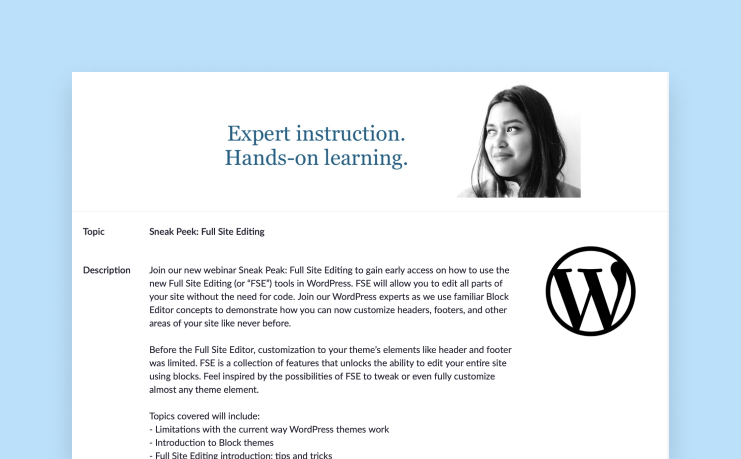
Join our WordPress experts for a webinar and be among the first to learn how to use the new tools, which allow you to edit all parts of your site without the need for code! Register for free today!
Delete old files, or upgrade your plan to keep your website running smoothly. Take action to keep your site running smoothly Your WordPress.com site, arkar001004.wordpress.com, is nearing its storage limit. Onc...
Delete old files, or upgrade your plan to keep your website running smoothly. Take action to keep your site running smoothly Your WordPress.com site, arkar001001.wordpress.com, is nearing its storage limit. Onc...
Upgrade now or delete old media to keep your site running smoothly. Action required: your site is almost at capacity We noticed that your WordPress.com site, arkar001001.wordpress.com, is still close to its sto...









Comments
Post a Comment